
2 min read
Editing without losing your place
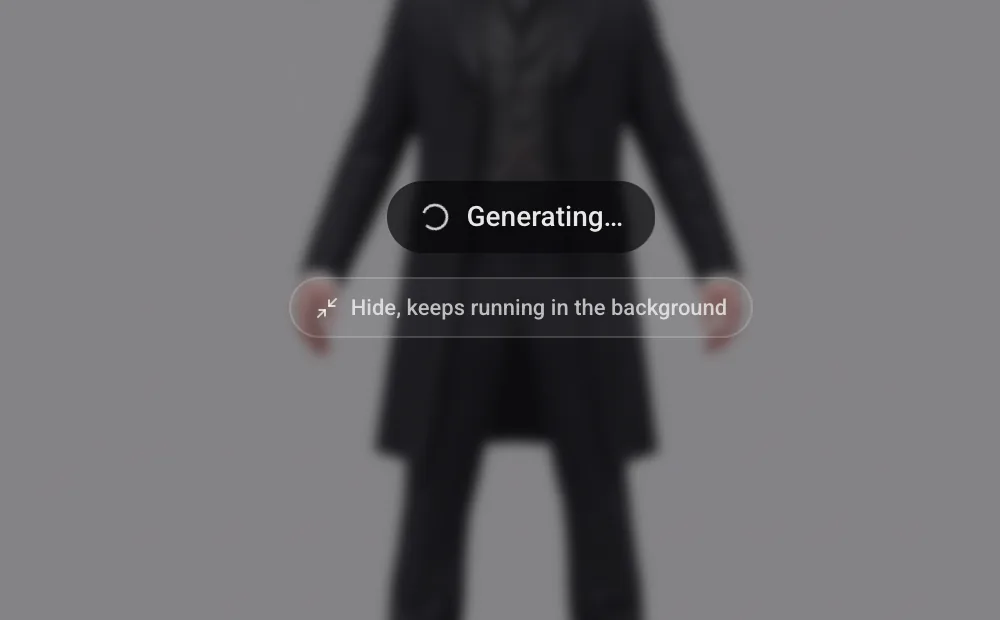
An edit takes as long as it takes, and waiting on it should not cost you the rest of your canvas. Hide the view while it runs and the generation carries on in the background: keep working on other nodes, and the result is on the node when you come back to it.
Your previous edits are still there
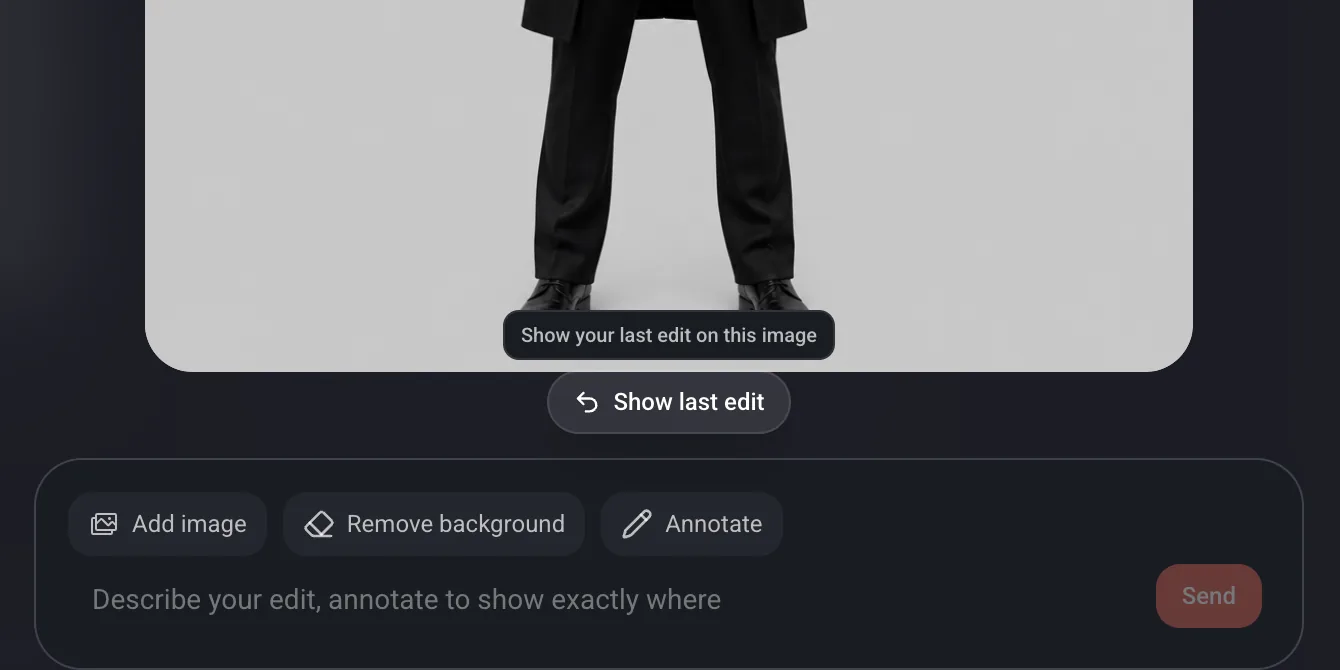
Coming back to an edit no longer means rebuilding it. Show last edit restores what you sent from this image, prompt, annotation and references together, so a result that landed close but not quite can be adjusted and sent again instead of written from scratch.